
Planning vacations starts off as a supremely exciting task, but does the excitement last throughout the process? After all, planning a vacation is no mean feat, whether it’s a solo trip, a family vacation, or a fun-filled adventure with friends. If you’re looking for your next big adventure but don’t know where to start, it’s TripAdvisor to the rescue. When it comes to TripAdvisor trip planning, the travel website not only offers ratings and reviews for hotels, restaurants, and activities and sights, but is also a booking platform for the same. What’s more, booking on TripAdvisor is not just fun and easy, with so many options to choose from, but is also educational.
In fact, if you haven’t even decided where you’re going next, it can help with even that! To that end, here’s a detailed guide to planning your next holiday with TripAdvisor and making the most of your travel experience.
Also read: Best Hidden Gems Discovered Via Tripadvisor.
Discover Destinations
One of the best things we loved about TripAdvisor is the “Discover” tab, which is the starting point of every trip: the destination. If you’ve decided where you’re going, nothing like it. However, if you haven’t or cannot decide where to go, TripAdvisor is absolutely fantastic. Their “Discover” tab is divided into two main sections, Travelers’ Choice and Travel Stories.
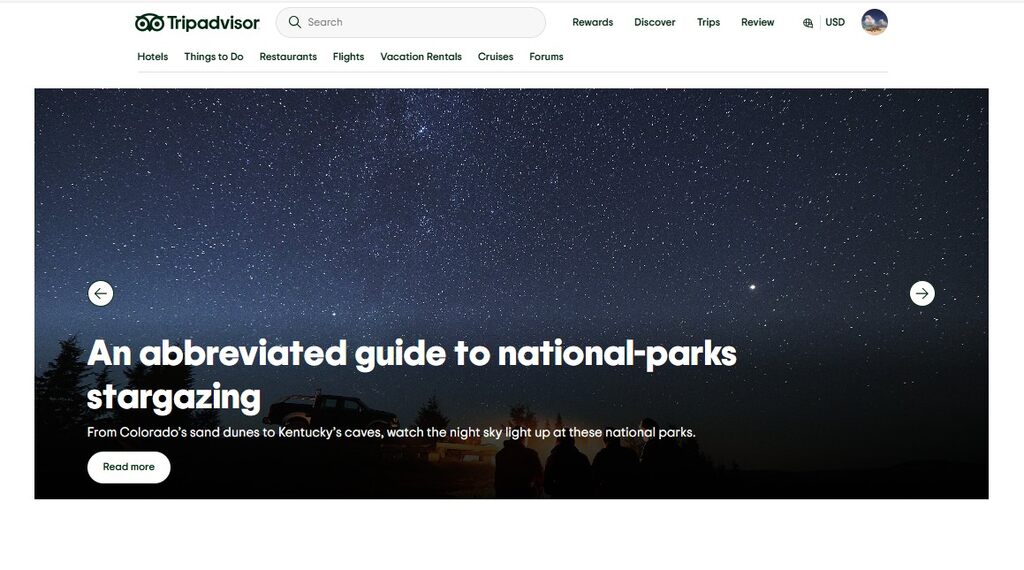

Travelers’ Choice is perhaps TripAdvisor’s most widely known and popular feature. It’s the birthplace of the famous Travellers’ Choice Awards. Since 2002, the awards have honored the travelers’ favorite destinations, hotels, restaurants, sights, activities, things to do, and beyond. It’s based on the opinions and reviews collected from diners and travelers and diners worldwide on Tripadvisor over the 12-month period prior. These awards are across two levels: Travelers’ Choice and Best of the Best. Since they have a new list every year, it’s a fantastic place to start, especially if you have no clue where you want to go next or even what you want to do.
Another extremely useful resource is the second section of the ‘Discover’ tab, the “Travel Stories” section. This blog is the ultimate one-stop shop for personal experiences of staying at hotels, dining at restaurants, seeing sights, and indulging in activities.
Check Rates on:
Peruse User Reviews
TripAdvisor’s reviews have always been its crowning glory, especially their filtering options such as the season of travel, the kind of traveler, and specific amenities such as room service, breakfast, swimming pools, and free Wi-Fi. Since these reviews are highly detailed, they’re invaluable when it comes to making informed travel choices. This is especially valued by travelers now who prefer a comprehensive guide before they make a booking.
What’s even better is that while fake reviews are prevalent, TripAdvisor does and is doing its best to weed them all out. In fact, it blocked 67.1% of fake reviews in 2020 and even manually removed more than 46,000 reviews due to policy violations and fraud allegations. That’s what makes TripAdvisor such a great travel planning tool, as one can rely on the verified customer feedback to seek out accommodations, restaurants, and activities of their choice.
Last but not least, accessing TripAdvisor’s reviews is very easy via its app for Android and iOS. When one is on the go, it is very easy to look for the next restaurant to eat at and the next activity to do. That’s because the app even recommends alternatives for where to eat and what to do while you’re still looking at current options.
Check Rates on:
TripAdvisor Rewards Program
One of the best perks of using TripAdvisor to plan your entire trip is the presence of TripAdvisor Rewards, their new, free, app-based Rewards program in the United States. It allows members to earn 5% back on eligible experience and hotel bookings in “Trip Cash,” which they can use for future app-based bookings with a cool 1:1 redemption ratio! So, if you’ve collected points from a previous booking on TripAdvisor, you can book your new trip via the app and redeem your Trip Cash, thus resulting in huge savings.
Furthermore, TripAdvisor also has TripCollective, an enhanced contributor program recognizing TripAdvisor users for their reviews and other contributions to the website by awarding status levels and badges. It awards TripCollective points to users every time they contribute to Tripadvisor, whether it’s reviews, photos, videos, forum posts, ratings, Traveler Article creations, Traveler Article edits, or helpful votes. Moreover, all of them are worth different amounts of points. Check the levels here.
Check Rates on:
Smooth Process
Did you know that you could book a trip from start to end on TripAdvisor? Yes! The process, which is as smooth as it gets, begins by the user logs into their TripAdvisor account and clicks on the “Trips” tab. After you click on “Create a new trip,” you title your trip and add a destination to begin with, after which the website creates the trip.
After you add the dates and click on the trip, TripAdvisor begins adding everything from destinations, hotels, and restaurants to sights, activities, and tours that it thinks you’ll be interested in under the “For You” section. It does so under two categories: “Places to stay” and “Things to do.” Whatever you choose and like from this list gets added to the “Saves” tab. Under the “Itinerary” section, you’ll find your main schedule with dates, where you’ll add locations, activities, and places to stay. A map appears on the right, showing you the locations of the destinations you add for further reference about the distances between them. All one has to do is keep adding and editing destinations, places to stay, and things to do on this itinerary. What a great way to build an itinerary, isn’t it?
Check Rates on:
AI Trip Planner
Are you running short on time and want an itinerary drawn up in five minutes? Why not use Tripadvisor‘s new AI planning tool? The travel website employs OpenAI’s generative AI technology to create customized travel itineraries. Using this tool, which is embedded right into the website under the “My Trips” tab, allows travelers to choose a destination. It also outlines the specifics of their trip, much like how it is when they manually create an itinerary. However, in this case, the planner draws up a comprehensive itinerary literally within minutes. TripAdvisor users find this tool to be very useful, as it leverages insights and reviews from TripAdvisor’s users. Hence, travelers are basically getting an automated and quick experience of the research that they might normally do on the crowd-sourced website.
The final AI-generated travel itinerary has a small summary about the destination and what the weather will be like when you’re traveling there. What’s more, every day has activities and attractions broken up by restaurant recommendations, with attraction descriptions of why it’s perfect for you. We also liked travel tips, like mentioning conservative clothing for sights like mosques or warning you about overpriced souvenirs. The best bit? Clicking on any suggestion takes you to the TripAdvisor page of that destination, hotel, restaurant, attraction, or activity.
Check Rates on:
How do I ask questions on TripAdvisor?
Whether it’s a hotel or any other accommodation type, an activity, or a restaurant, you need to go to the TripAdvisor listing page of the property. Then, you need to scroll down until you see the questions and answers tab and begin typing your question in the space below.
How does TripAdvisor AI work?
TripAdvisor’s AI planner employs an advanced technique by scanning a vast collection of reviews to identify the most relevant details for your trip, including hotels, restaurants, and activities.
Can I use TripAdvisor without an account?
While you can see hotels, restaurants, and activities’ listing pages on TripAdvisor without an account, you need to have an account logged in to book anything. Plus, there are always advantages to using TripAdvisor with an account, especially when it comes to using its AI planner for creating itineraries.
Some images in this article are copyrighted by TripAdvisor.
