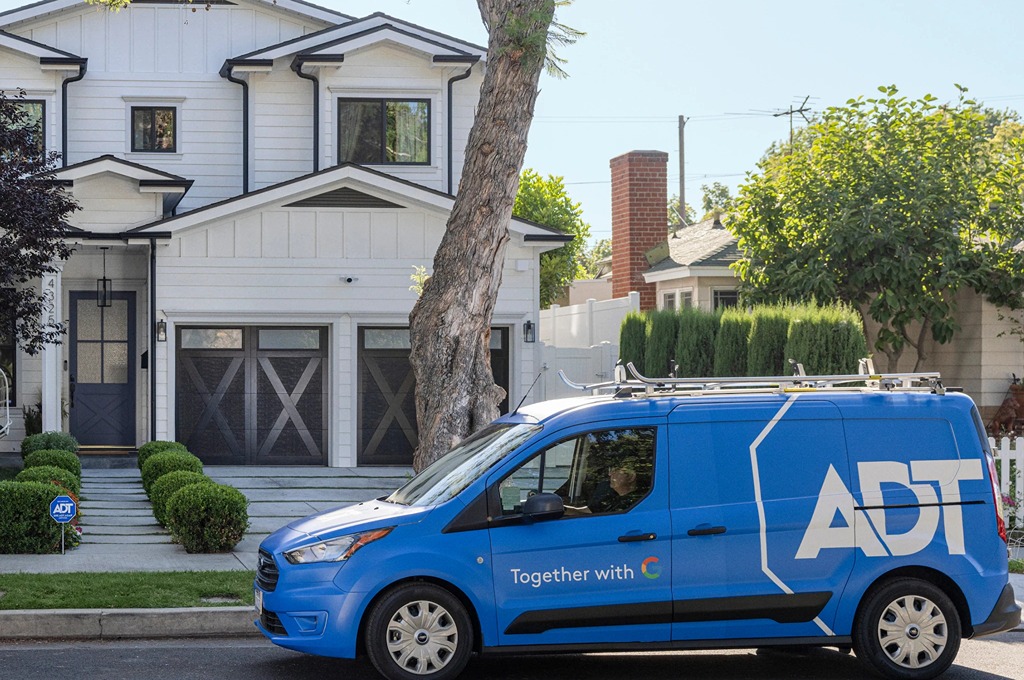
There’s no denying that we, as a people, have started traveling a lot more than we used to. Nowadays, there is no single travel season per se, with wanderlusters headed everywhere on the globe at any time of the year. Since we’re also frequent travelers, we found the ADT home security guide (and system) to be quite adept at keeping our home safe while we’re away. For those who travel frequently, either to visit their family in other states or overseas for work, these extended periods away from home are certainly a cause of concern.
After all, one always worries about the best ways to protect family members and things at home. So, if regular travel is part of your household routine, ADT has some excellent tips and solutions for you. These certainly helped us stay a little more stress-free whenever we’d be away from home for a long period of time.
Also read: Keeping your house safe when you go away on vacation.
Before You Travel
This might seem like an obvious step, but it’s important to carefully evaluate your home security measures in the days or even weeks leading up to your holiday. Unsurprisingly, we often forget that windows, sliding doors, sheds, and garage doors also need securing. That is just as important as securing the front door or the bedroom windows. So, ADT suggests that you ensure that all the alarm systems and locks are in working order. Furthermore, you also need to check that any valuable outdoor items (sports equipment, barbecues, etc.) are stored out of sight. When you actually leave for your holiday, do a final check. This is to make sure that all access points to your home are secure. Finally, ensure that the 24/7 monitored alarm system is active.
According to ADT, it’s best to conduct a security audit of your home to pinpoint and fix any security gaps. This includes not only checking locks on gates and windows, but also securing any outdoor valuables. Plus, you also need to review outdoor lighting (such as sensor lights and the areas that they cover).
See on:
Take Remote Control Of Your Home Security
One of the most obvious mistakes that homeowners make is actually forgetting to arm their security system before they leave. It’s not uncommon. After all, one could easily forget to do so if they’re running late or leaving the house in a hurry.
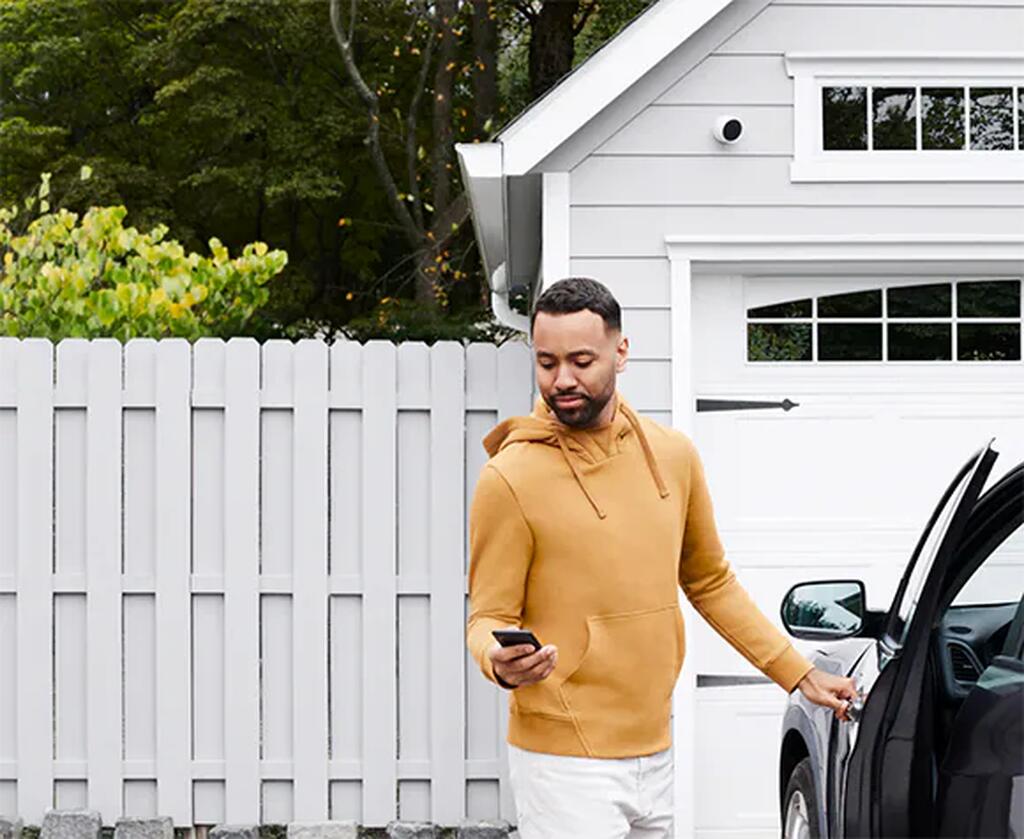
One of the best things about having an ADT home security system was that we could take remote control of our home security, no matter where we were. Not only is it a 24/7 back-to-base professional monitoring system, but ADT Security is also known for its nifty mobile app. This app allowed us to arm our alarm from anywhere using our smartphones or smart devices. Pretty neat, isn’t it?
All we had to do was simply log into our ADT account on our device at any time on our journey, and we could set the alarm. Thus, it completely removed the uncertainty that we’d earlier have about whether we’d locked our home or not. Besides this, we could also turn on appliances and lights in our home from practically anywhere in the world. Hence, this allowed us to receive alerts if an intruder entered our house at any time. Finally, we could even set up live streaming cameras, allowing us to watch our home remotely using the app.
See on:
Set Up A Smart Security System
Have you ever had scrambling thoughts come to you when you’re traveling? Did I remember to switch off all the lights? Is that delivery going to come in early? Will the neighbor be coming by to check on the dog? ADT‘s smart security system helped us navigate such worries, or rather alleviate them, even after we’d left the house. Basically, we have options for installation: Self Setup or Pro Install. The latter is the traditional installation method, where an ADT technician sets up our system. However, both systems integrate with multiple Google Nest products, so no issues there.
Besides the ADT+ app, the security system also featured the award-winning SMART Monitoring feature. This tech greatly helped reduce false alarms by notifying us when alarms are triggered, allowing us to either cancel or confirm them.
For ADT’s Self Setup customers, there’s even a new tool, the SMART Monitoring with Video Verification. Those DIY customers enrolled in the Nest Aware/Nest Aware Plus plans can improve emergency response times by verifying their alarms with this feature.
See on:
Stay Visually Connected With Your Home
One of the best parts about ADT Security is that it has both indoor and outdoor cameras. Hence, it allowed us to see exactly what was going on at our home, in real time, via our smartphones. Moreover, we could keep an eye on both indoors and outdoors, especially since our property had many access points. Thanks to the ADT app, we could log in to it at any time and visually verify that our home was safe. We could also keep an eye on kids, elderly parents, and pets all the time, especially if they’re alone.
Are you a business executive who travels around regularly and is often away from your family? Cameras are a fantastic way to stay connected to your home by checking in on everyone, from people to pets, while you’re away. This is especially more comforting for those who stay on the other side of the globe, are fly-in, fly-out workers, or are away for extended periods of time.
See on:

Activate A Smart Alarm System
There’s no doubt that you need alarms on your property when you’re off on a holiday. We were impressed by ADT’s Command Panel, which indicates the progress made in home security alarm systems. It’s not only a hub for security functions such as house-wide alarms, but it also integrates with other everyday activities, making our home feel like a smart home. This Command Panel is also a huge step forward from traditional security panels, especially in terms of installation costs, time, and effort. Thanks to significant progress in wireless technology, security panels such as the Command Panel offered us a much more immersive experience that was more than just security.
There are many other merits of ADT’s monitored alarm system. With the brand’s back-to-base system, all home alarms were linked back to a 24/7 monitoring center. If and when the alarm was triggered, we would get notified and also given an option to have a police patrol car head to our house to investigate.
See on:
Install Wireless Video Doorbells
One of the best, safest additions we’ve made to our home security, thanks to ADT, is installing video doorbells. They might have been considered a luxury item once upon a time, especially since those looking for the latest gadget would always be talking about them. However, today, they’re highly affordable, they’re extremely accessible, and they boast a wide range of beneficial security features, turning them into an essential asset for any house.
The video doorbell from ADT is one nifty product and comes with a wide range of smart features. Firstly, it’s actually a Google Nest security camera, which means that it includes facial recognition capabilities with Google Nest. What’s more, it boasts a wide field of view. Furthermore, the camera also has excellent night vision, two-way audio, and an IP54 rating, which means it can handle everything from water splashes to dust.
However, what we really liked was that we could set up activity zones with the camera’s field of view. So, it really helped us reduce false alerts, especially with kids and pets running all over our neighborhood. Last but not least, we loved the camera’s AI capabilities. For instance, our doorbell could differentiate between packages, vehicles, animals, and people, surely, but it went a step further with facial recognition. So, once we trained the model, it could alert us about specific people, too! So, it could send an alert specifically saying “Husband is at the door” or “Dad and Mom are at the door,” rather than simply saying “person detected.” How cool is that!
See on:
How do I use my home security system?
Usage is different according to every security system model, because they are all so varied. You can go on to ADT’s website and watch the videos to identify whether your system is a pulse, command, or basic model, especially if you aren’t sure about which one you have. Then, you can refer to your security system user’s manual for further instructions.
To give you some perspective, ADT’s smart home security system uses the ADT Base, while the ADT Self Setup security system uses the ADT Hub.
Can I move a sensor?
While ADT Self Setup users can move their sensors, it’s best to refer to the security system user’s manual to find if you can indeed move an installed sensor.
How do I set my alarm?
Every individual system has its own sequence for setting alarms. Again you need to refer to the security system user’s manual.
Some images on this article are copyrighted by ADT.
