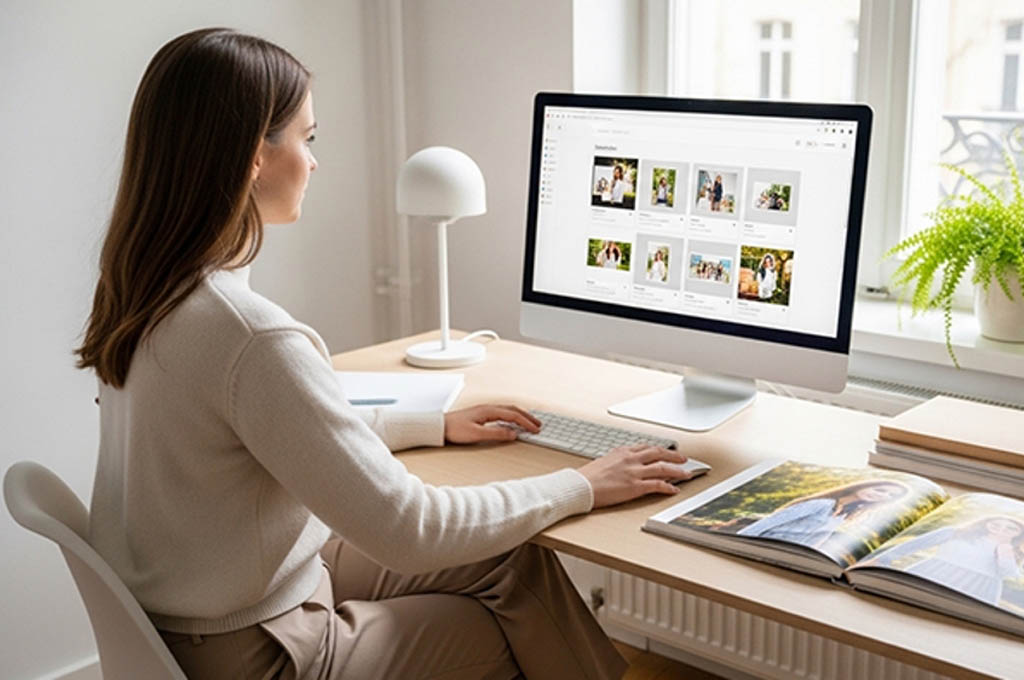
Digital scrolling is great, but nothing compares to the feeling of flipping through a physical photo album and reliving our adventures. That’s exactly why we love to create photo albums with Printerpix. Call us old-school, but turning your digital gallery into a high-quality keepsake is still one of the best ways to honor your memories and share them with others. If you’re here, chances are you feel the same way. The good news is that transforming your snapshots into a professional-grade coffee table book is easier than you might think. Here’s how you can get started.
Step 1: Choose Your Best Photos
Before we create travel photo albums with Printerpix, we usually start by narrowing down our photos. This step sets the tone for the entire album. We recommend choosing a specific timeframe or one of your most special moments, such as a recent summer vacation in the Caribbean’s top spa resorts or a collection of your favorite pictures of the most stunning salt flats. This helps create a more meaningful album.
Additionally, you’ll also want to pay attention to quality. High-resolution images with good lighting will print much better, especially if you plan to use full-page spreads. If some photos are lower quality, keep them smaller in your layout so they still add value without compromising the overall look.
See on:
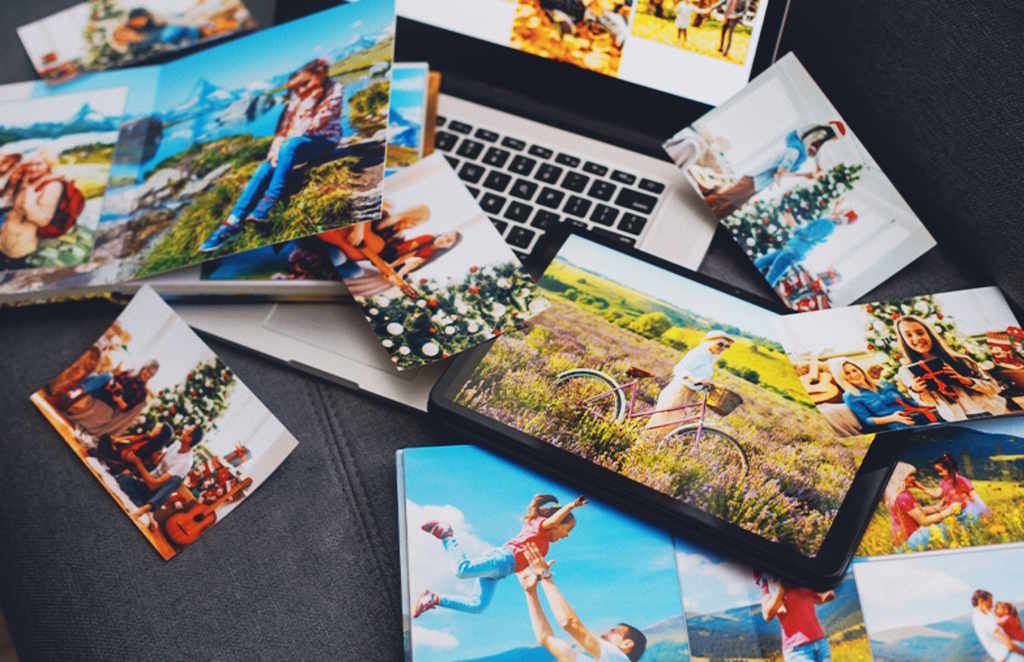
Pick Your Photo Book
Next, you choose the type of photo book that fits the vibe of the trip. Printerpix offers several options, from hardcover and leather to layflat designs. Each is suited for different storytelling styles. For travel albums, we personally love layflat books because they allow panoramic shots to stretch seamlessly across two pages.
You should also think about size and page count. A shorter weekend trip might work well with a compact book, while a long vacation deserves more pages to fully capture the journey. The key is to match the format with your story so your album won’t feel overcrowded.
See on:

Pick A Layout and Design
Once you have your book type, it’s time to choose a design theme from Printerpix that complements your photos. You can browse through hundreds of pre-made layouts and themes designed for various occasions, from tropical vacations to winter holidays. These templates provide a professional framework, but they still leave plenty of room for you to customize the pages exactly how you want them.
We think picking a consistent theme helps the entire book feel cohesive and polished. You can choose a minimal design to let the photography speak for itself or opt for more vibrant layouts that add energy to the pages. The flexibility of these designs makes sure your travel album will look unique and personal.
See on:
Upload Your Travel Photos
Once your structure is clear, it’s time to upload your photos. With Printerpix, you can import images from your phone, laptop, or even social media, which makes the process incredibly convenient. We usually like to upload photos in the order we want them to appear, so the album naturally forms a narrative. If you’re short on time, the platform can automatically place your images into a layout. However, if you want more control, you can manually arrange each page to perfection.
See on:
Add Captions and Notes
This is where your album truly comes to life. Adding captions, dates, and little personal notes can turn your photo book from a simple collection into a meaningful story. Printerpix allows you to customize text with different fonts and placements, so you can keep it subtle or more expressive.
We like to balance visuals with storytelling, maybe a short caption for most pages, and a longer note for standout moments. Even something simple like a location or a quick memory can make a huge difference when you revisit the album years later.
See on:
Review and Print
Before you hit the order button, take a step back and review everything carefully. We’ve learned the hard way! Sometimes, small mistakes like typos or misaligned images are much easier to fix before printing than after. Once everything looks perfect on Printerpix, go ahead and place your order. After that, all that’s left is to wait for your album to arrive. Easy, right?
Also read: The Best Used Cameras For Travel Photography on MPB
See on:
What are Printerpix’s photo book options?
Printerpix offers a wide range of photo book options, including hardcover, softcover, layflat, leather, and spiral-bound books, along with premium versions like luxury layflat and fabric covers.
Does PrinterPix have an app?
No. Printerpix doesn’t have or require a dedicated mobile app, as you can create and order products directly from your phone’s browser.
How much are extra pages on Printerpix?
Extra pages on Printerpix usually cost around 0.50 USD per page, depending on the book type and size.
Some images on this article are copyrighted by Printerpix.
