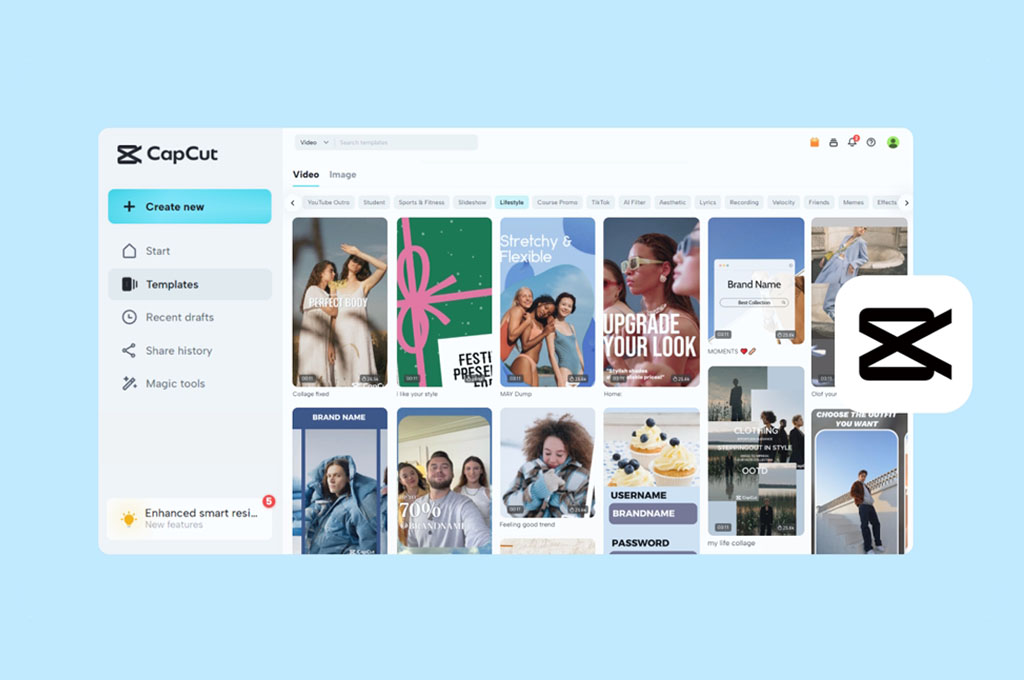
As fellow travelers, we don’t believe great travel content should take hours stuck on a timeline. After a full day of shooting, the last thing we want is to overthink edits. Thankfully, there are tons of amazing CapCut templates for travel to choose from. With the right template, even the most random clips can snap into a clean, cinematic story. They can be perfectly timed to music, transitions, and mood. Below, you’ll find some of our favorite CapCut templates. They can easily make your travel reels way more interesting!
Also read: Top 13 Best Buy GoPro Mounts
Mini Vlog Moments
6
If you’re sitting on a mountain of random travel footage, this 25-second Mini Vlog Moments template is a great way to actually use it. We love how it effortlessly captures that nostalgic, vintage aesthetic that makes any trip feel like a cinematic memory. It’s specifically designed for quick-fire storytelling, requiring 14 different clips to fill out the runtime.
The real standout, though, is the intro. It immediately grabs your attention by splitting the screen into three sections, allowing you to showcase three different shots at the same time. It’s snappy, authentic, and saves us from the headache of manual keyframing or complex timing. This layout gives your footage a polished, travel-blog feel in just a few taps.
Buy on:

Welcome To …
5
Whether you’ve just explored one of the cleanest cities in the world or somewhere completely off the radar, this Welcome To… template is the perfect way to give your followers a cinematic sneak peek of your trip. We love how it utilizes quick, punchy clips to showcase the best a destination has to offer in such a short time. The pacing is designed to build instant curiosity, making it the perfect teaser or high-energy intro for a longer vlog.
We also love the synchronization between the background music and the visual flow. The beats are perfectly timed to the text overlays and scene transitions, giving the entire video a professional feel that can be challenging to achieve manually.
Buy on:

Time to Recharge
4
This Time to Recharge template is such a darling. It features a clever battery icon right in the center of the frame that slowly fills from 0% to 100% as your footage plays, perfectly capturing that feeling of recharging during a trip. It’s a brilliant visual metaphor for those of us who view traveling as the ultimate way to decompress and escape the daily grind.
To really make the most of this edit, we highly suggest picking out your most wholesome and calming clips. Think slow-motion beach walks, quiet morning coffees, or peaceful escapes in the best spa resorts in the Caribbean. The background music is already curated to match a peaceful vibe, making the whole video feel like a deep breath for your soul.
Buy on:
Travel Cinematic
3
The Travel Cinematic template is easily one of the best CapCut templates for travel Reels and TikToks, especially if you have a massive backlog of footatge. We love how the first three seconds use rapid-fire cuts to grab attention before transitioning into a personalized title card. Being able to add your own name right in the opening scene is amazing, so the entire edit feel like a custom production rather.
With a 1:21 runtime and space for 59 clips, this layout is perfect for longer travel stories so they won’t stay buried in your camera roll. To get the best results, we recommend using only high-resolution clips to keep the final export looking sharp and professional. It’s an efficient way to pack a month-long trip into one engaging video without losing the viewer’s interest.
Buy on:
Vacation Recap
2
We’ve found the perfect yearly travel recap template to keep your memories organized in the Vacation Recap. It’s a snappy 32-second edit that packs a massive punch, making it ideal for travelers who want to showcase a whole year of wanderlust. We also love the high-energy, mood-boosting soundtrack that makes every clips feel like a highlight reel. The pacing is tight and engaging, so the transition from a mountain hike to a beach sunset feels seamless.
However, the best part is that you don’t have to wait until December to get started. We recommend saving it now so you can slowly drop in clips as you move from one destination to the next, saving you from an editing headache later on. It’s never too early to start drafting your yearly travel video!
Buy on:
Live Your Life
1
We think Live Your Life is a super fresh template to show off your latest adventures, especially for modern travelers. It has that high-energy, hip aesthetic that instantly makes a standard travel dump look like a high-quality montage. We especially love the first few seconds, which are packed with quick cutouts that grab your attention immediately and keep the momentum moving. You can even add a personal touch by slapping your name into the “captured by” section.
The real magic here, though, lies in how it handles movement. The transitions are incredibly strong and dynamic, yet they never cross the line into being tacky or over-the-top. It manages to stay cool and modern throughout the entire 21-second runtime. It requires 36 different clips to fill all the slots, so make sure you’ve dug through your camera roll to find enough highlights to keep up with the fast-paced rhythm.
Buy on:
Can you use CapCut templates without copyright?
Yes, you can use templates from CapCut for travel without copyright issues because they’re built for public use within the app. Just make sure any added music, clips, or external assets you use are also copyright-safe.
Can CapCut templates go viral?
Of course, especially when they tap into trending sounds, relatable moments, or visually satisfying edits.
Why is my CapCut template not exporting?
Your CapCut template may not be exporting due to issues like unstable internet, low device storage, or unsupported media files. It can also fail if the app is outdated or the project is too heavy for your device to process.
Some images on this article are copyrighted by CapCut.
